
Beginner’s Guide to SEO for Small Websites
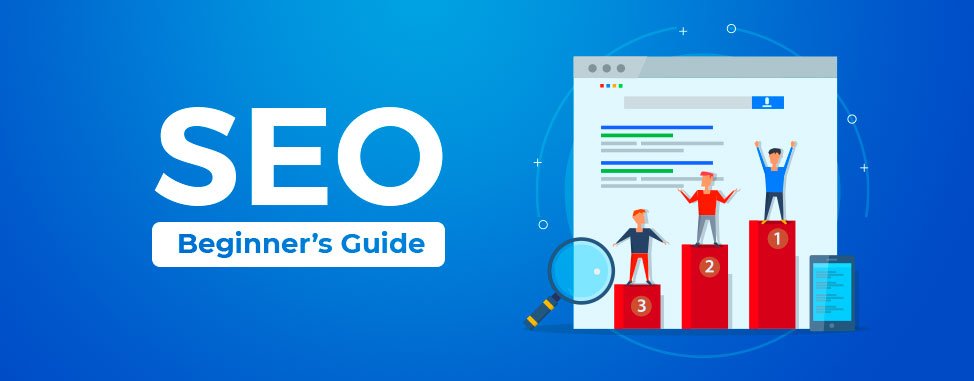
SEO for beginners sounds overwhelming until you realize most of it comes down to a handful of consistent habits, not secret tricks. I’ve seen small websites outrank established competitors just by doing the basics properly and consistently.
SEO Isn’t Magic, It’s Consistency
The biggest misconception beginners have is expecting quick results. Real SEO, done properly, takes months to show up — but it compounds in a way paid ads simply don’t.
Quick answer: For SEO for beginners, focus on choosing specific long-tail keywords, writing genuinely helpful content that directly answers search intent, optimizing basic on-page elements, and building a handful of quality backlinks over time.
Understand Search Intent Before Keywords
Before picking keywords, understand what the searcher actually wants. Someone searching “best CRM software” wants comparisons; someone searching “what is a CRM” wants a simple explanation. Matching intent matters more than keyword density.
Choose Long-Tail Keywords Early On
New websites rarely rank for broad, competitive terms like “marketing.” Specific, longer phrases like “digital marketing tips for small clothing stores” have far less competition and convert better too.
- Use free tools like Google Keyword Planner or Ubersuggest
- Look at “People Also Ask” sections for related question ideas
- Check what your actual competitors are ranking for
Get On-Page Basics Right
- Include your primary keyword in the title tag, naturally
- Write a compelling meta description under 160 characters
- Use clear H1 and H2 headings with related keywords
- Add descriptive alt text to all images
Write for Humans First, Search Engines Second
Content stuffed unnaturally with keywords reads terribly and Google’s algorithms have gotten good at detecting it anyway. Write genuinely helpful content; naturally include your keywords where they fit.
I’d honestly push back on any “SEO guide” that prioritizes keyword count over actual content quality — that approach stopped working years ago.
Build Backlinks Slowly and Genuinely
Guest posting on relevant sites, getting listed in local business directories, and earning natural mentions from satisfied customers all build authority over time. Avoid buying low-quality backlinks — it can actively hurt rankings. [link to related guide on content marketing strategy here]
Improve Site Speed and Mobile Experience
Slow-loading pages lose visitors before content even matters. Compress images, use a decent hosting provider, and test your mobile experience specifically — most searches happen on phones now.
Related resource: How to Run Profitable Facebook Ads in 2026
Track Rankings and Traffic Monthly
Use free tools like Google Search Console to track which keywords are bringing traffic, and which pages need improvement. SEO is an ongoing process, not a one-time setup task.
FAQ
How long does SEO take to show results for a new website? Typically 3-6 months for meaningful traffic growth, though some long-tail keywords can rank faster with less competition.
Do I need to hire an SEO expert as a small business? Not necessarily at the start — following basic on-page SEO practices consistently can achieve solid results before considering professional help.
What’s the difference between on-page and off-page SEO? On-page SEO involves elements you control directly on your website (content, titles, structure); off-page SEO mainly involves backlinks and external signals.
Is SEO still worth it with AI search tools becoming popular? Yes — strong SEO fundamentals like helpful, well-structured content remain relevant across both traditional search engines and newer AI-powered search experiences.
How many keywords should I target per blog post? Focus on one primary keyword with a few natural related/LSI keywords rather than trying to target many unrelated keywords in a single post.
Conclusion: SEO for beginners doesn’t require secret tricks — just consistent, genuinely helpful content, solid on-page basics, and patience. Pick one blog post on your website this week and optimize its title, headings, and meta description properly as your starting point.
Related Posts
How to Run Profitable Facebook Ads in 2026
Facebook ads for beginners can feel like throwing money into a void — you set a budget, watch it disappear, and get…
Open resource →